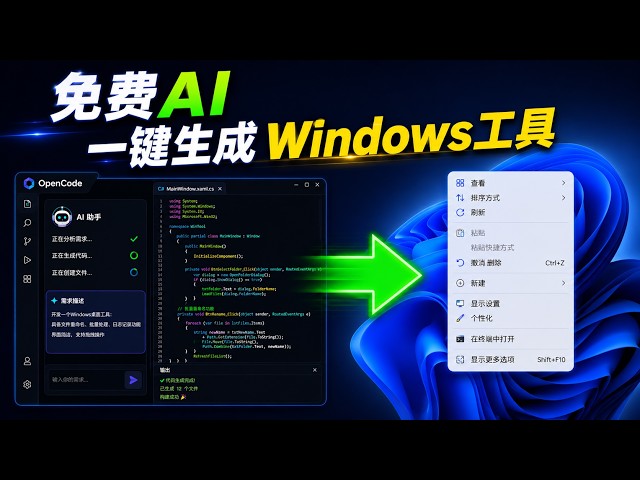

如何通过OpenCode一键开发Win11右键菜单优化软件(How To Develop a Win11 Right-Click Menu Tuning Tool Via OpenCode)
May 28, 2026

你有没有发现,现在很多原本复杂的软件开发工作,AI 已经可以帮普通人完成了?这期视频,我会实际演示如何利用完全免费的 OpenCode 智能体工具,加上免费的 AI 大语言模型,在极短时间内开发出一个真正可以使用的 Windows 小工具。
这个工具的功能非常实用:一键切换 Windows 11 的经典右键菜单,让“显示更多选项”不再反复弹出。更重要的是,整个开发过程几乎全部由 AI 自动完成,包括功能规划、代码生成、错误修复、环境安装以及运行调试。
视频中你不仅能看到 AI 是如何理解需求并生成 Python GUI 程序的,还能了解到现在流行的 Vibe Coding 到底是什么。很多以前必须会写代码才能完成的事情,现在已经可以通过自然语言直接实现。
(
One of the most frustrating changes in Windows 11 is the new right-click menu that constantly requires users to click “Show more options.” In this video, you’ll see how a completely free AI large language model and a free AI agent tool called OpenCode can be used to create a practical Windows utility in just a few minutes.
The video demonstrates the entire workflow of AI-assisted software development, including GUI generation, Python scripting, registry modification, environment setup, and automatic error fixing. Even if you have zero programming experience, you can still follow along and understand how modern AI tools are changing software development.
You’ll also learn how Vibe Coding works in real-world scenarios and how AI can automate many tasks that previously required professional coding skills. The generated tool can quickly switch between the default Windows 11 context menu and the classic full right-click menu.
)
Show More Show Less #Hobbies & Leisure
#Machine Learning & Artificial Intelligence